
puzzle
Play Now
Laser Nodes
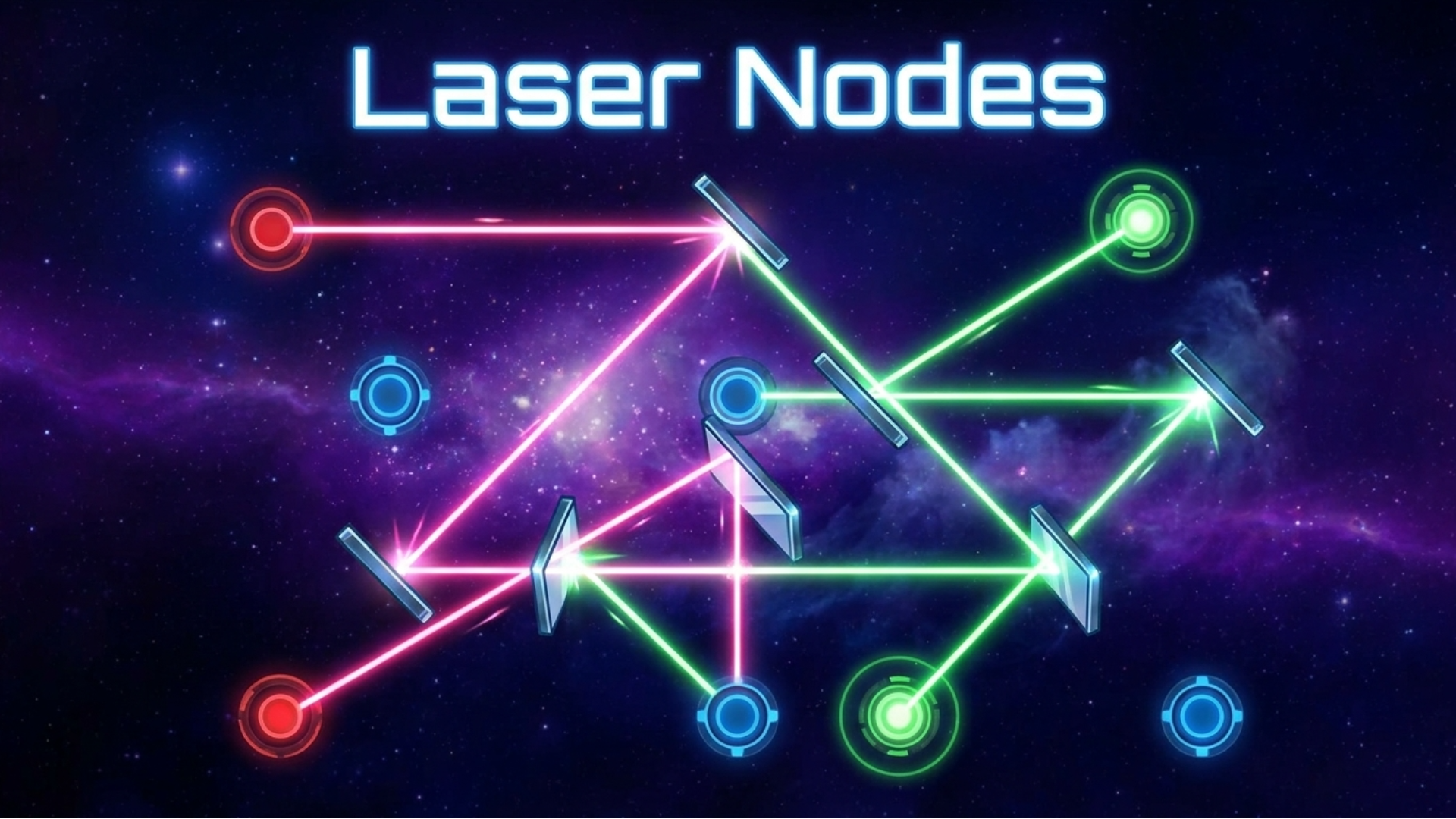
Line up all the lasers through the nodes to beat the level. Bounce lasers off mirrors with infinity reflections later on in this brain-teasing game that is…
Mobile & PCPlay
Loading Hex Mine 2D...
Connecting to Playgama Game Servers
Test your logic in a clean and relaxing hexagonal puzzle experience.
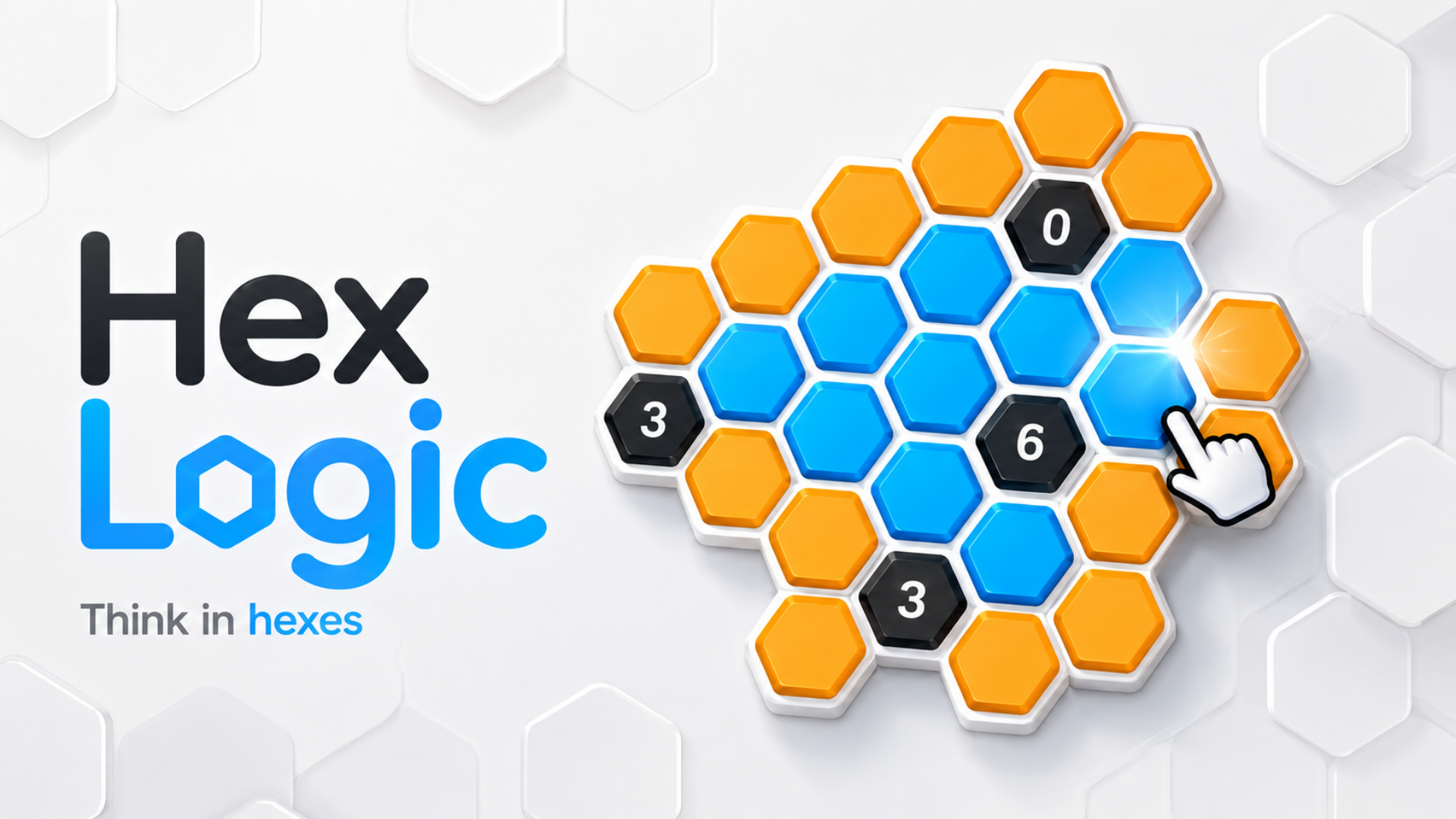
Each orange hexagon hides one of two states: blue or black. Use the numbered clues to determine the correct state of every cell. Each number tells you how many connected neighboring cells must be blue.
Start with simple tutorial puzzles, then progress through 30 increasingly challenging levels featuring overlapping clues, consecutive groups, directional clues, and advanced deduction patterns.
Every puzzle is designed to be solved through logic alone—no guessing required.
Features
30 handcrafted logic puzzles
Simple rules with increasing difficulty
Clean minimalist visual style
Mouse and touch controls
Undo, restart, and hint options
Mistake tracking
Multiple advanced clue types
Relaxing gameplay with no time pressure
Progress saving and level selection
Click, drag, or use keyboard arrow/WASD keys depending on game mechanics.
Tap, swipe, and drag on the touchscreen to control gameplay.
Players who enjoyed Hex Mine 2D also loved playing these titles.
Line up all the lasers through the nodes to beat the level. Bounce lasers off mirrors with infinity reflections later on in this brain-teasing game that is…


Ten Link is a relaxing yet brain-teasing number puzzle. Clear the board by

«Draw path to home» is a casual puzzle game in which you need to help your characters get to the house by drawing lines! Gather a collection of heroes…

Catdoku Sudoku Puzzle combines colorful region puzzles with simple but challenging placement rules. Your goal is to place exactly one cat inside every…
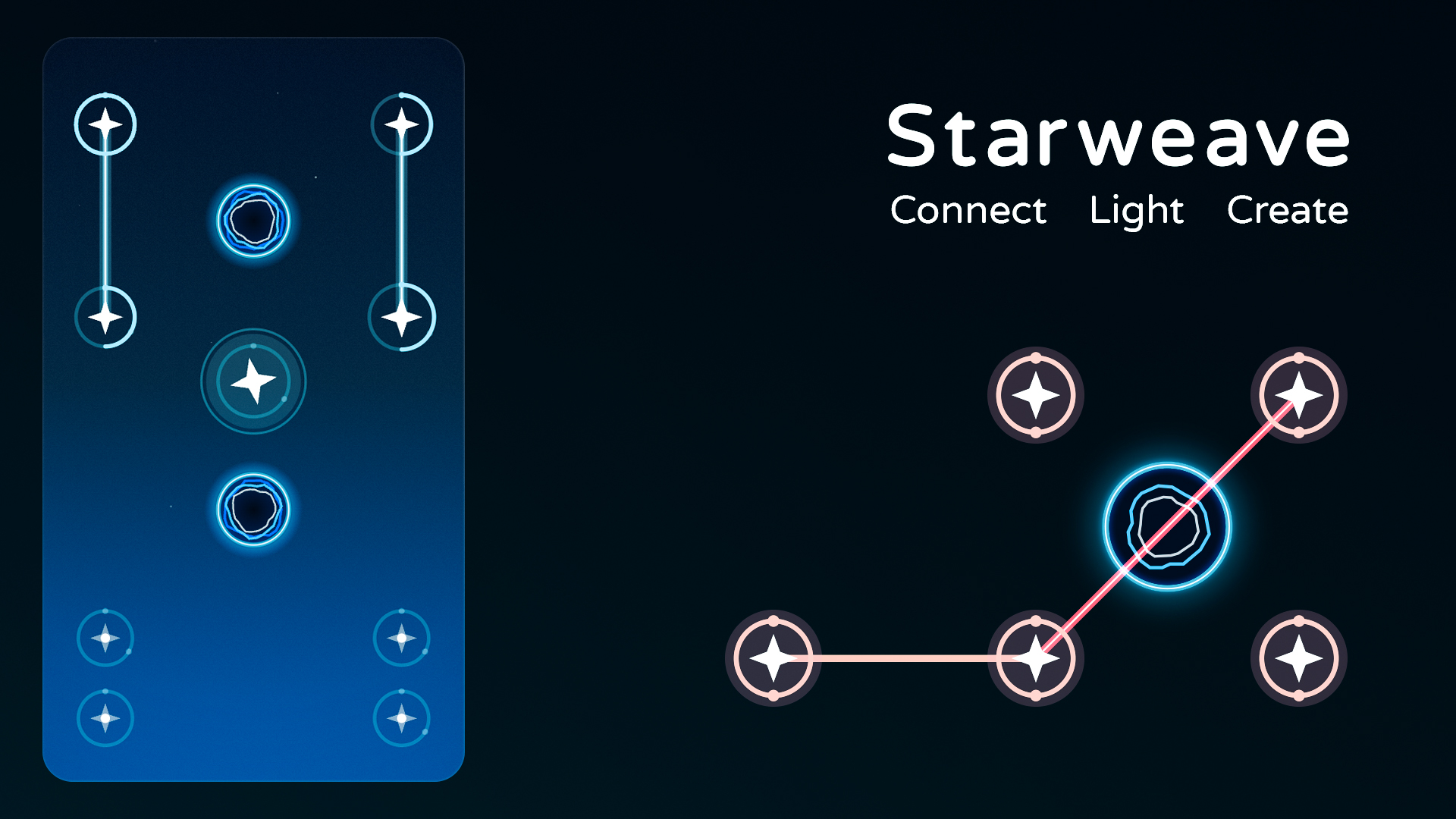
Starweave is a cosmic puzzle game. A relaxing yet challenging journey bring the night sky to life!
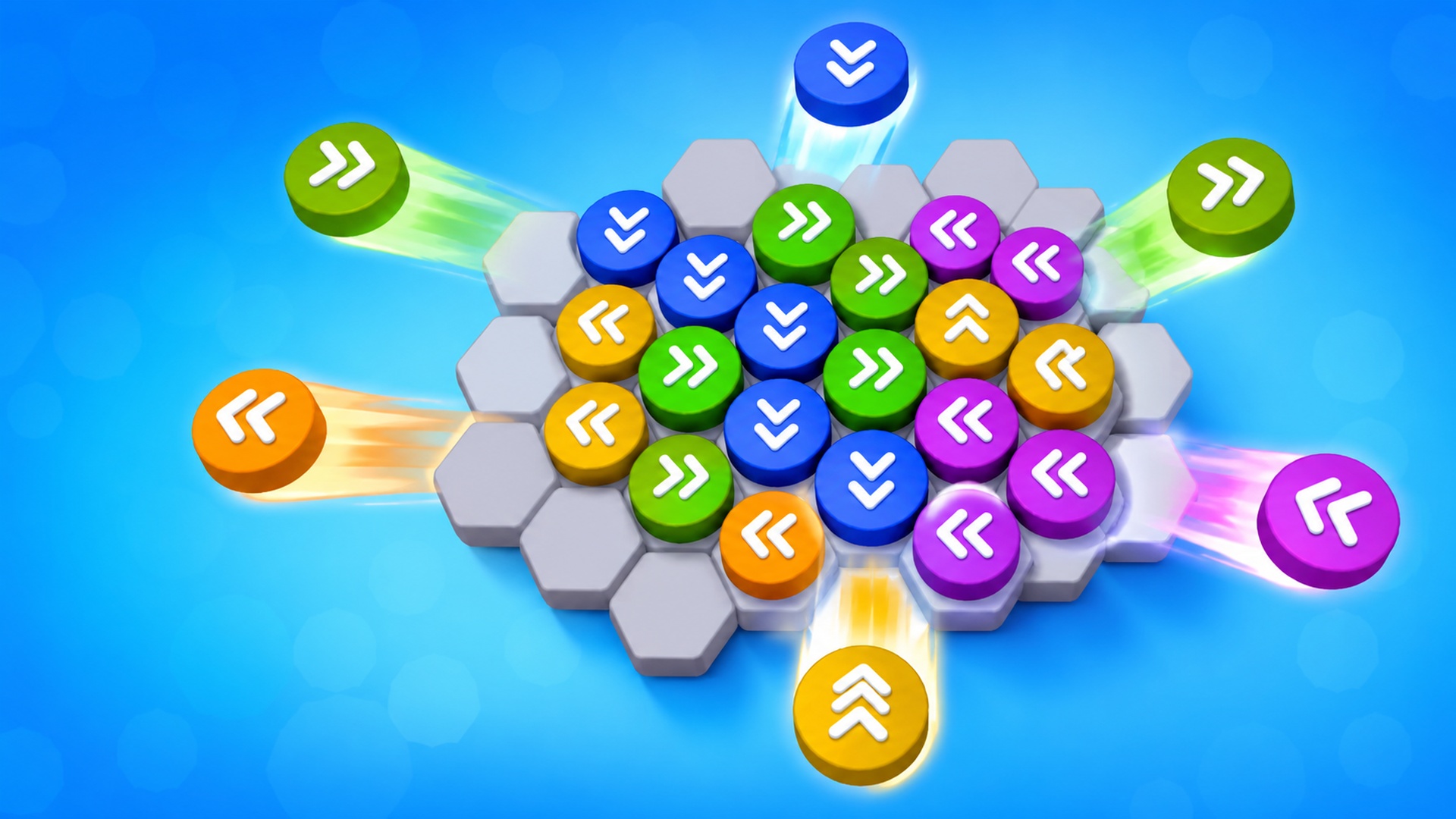
Round Rush Jam is a bright casual puzzle game where every piece can move only in the direction of its arrows. Plan the order of your moves, open escape…